Consider These 3 Steps to Secure Your Website from Hackers

Jesse Dean Clark • October 7, 2014


If the answer is no, then you might want to consider the following.  There are a lot of computer geniuses out there and unfortunately, a lot of them cannot be trusted. They can hack into your website at any time and destroy your information including your entire website.


a man in a hat is standing in front of a desk with a computer and laptop

There are a lot of computer geniuses out there and unfortunately, a lot of them cannot be trusted. They can hack into your website at any time and destroy your information including your entire website. Consider the following 3 steps to help you secure your website.

1. Your site is most likely running on thousands of lines of code and can include hundreds of documents, images, and other files. Your site is also most likely being hosted on a third party hosting environment like Godaddy, 1and1, or BlueHost. Every hosting company is vulnerable to hacking. Backups to your files and databases will not necessarily keep hackers from penetrating your site, but if and when your site is hacked, you will have a backup that can be re-installed instead of having to pay someone or take the time to create a new one.

2. If you’re using WordPress, that is a great first step. Features, bug fixes, and security updates are constantly being performed by WordPress in order to minimize the chances of your site being hacked.  Making sure you are running the latest version of WordPress will ensure these updates are installed onto your site.

3. Your site also includes themes and plugins that make your site look and run smoothly. The developers of these plugins are also continuously adding extra security, bug fixes, and more features that will keep your site running great.  So it is important to keep your plugins updated as well.


You can call or email us at support@easyclickwebdesign.com or 623.688.3741


Share

Packed church congregation seated in wooden pews inside a warmly lit, vaulted sanctuary
By Jesse Clark • November 16, 2026
Explore church website design services covering online giving, sermons, and events. Learn what faith-based nonprofits need before hiring a design partner.
Chalkboard sign on a wooden frame reads “Thank you for shopping local” in white lettering.
By Jesse Clark • November 13, 2026
Searching for nonprofit website design near me? Learn four checks for donations, accessibility, and references to hire the right local partner.
Woman reviewing papers at a desk in a sunlit office, with laptop, calculator, and stacked files nearby.
By Jesse Clark • November 11, 2026
Explore nonprofit website design cost for 2026. Learn pricing tiers, hidden fees, and ROI tips to budget effectively for your mission-driven organization.
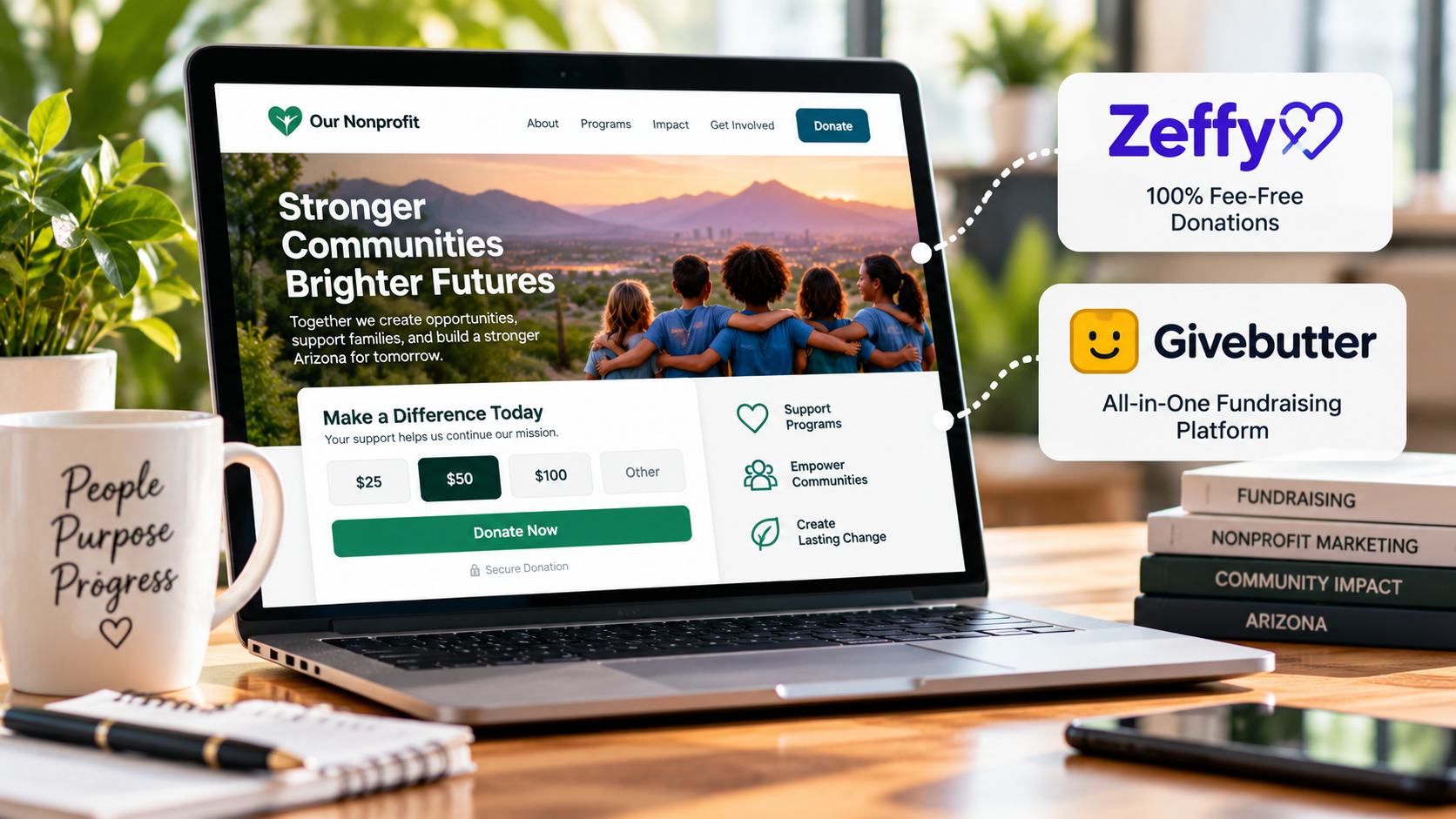
Laptop displaying a nonprofit community website beside Zeffy and Givebutter cards on a desk
By Jesse Clark • November 4, 2026
Compare the best donation platforms for nonprofits by integration, mobile checkout, and fees. Find the right online giving tool for your organization.
Four coworkers smiling around a laptop during a meeting in a bright office with a “People Purpose Community” sign.
By Jesse Clark • November 2, 2026
Expert nonprofit website design in Arizona boosts donations and trust. Learn mobile-first strategies, accessibility tips, and local storytelling for 2026.
Two people collaborating at a desk with a laptop and a small potted plant in an office setting
By Jesse Clark • October 30, 2026
Find the right nonprofit website designer in Phoenix. Learn key features, vetting questions, and budget tips to boost donations and mission impact.
Four coworkers smiling around a laptop in a bright office meeting room
By Jesse Clark • October 23, 2026
Expert nonprofit web design Phoenix organizations trust. Learn to boost donations, ensure accessibility, and align sites with AZ giving cycles.
Person working on a laptop at a desk in a bright home office with shelves and sticky notes.
By Jesse Clark • October 21, 2026
Learn how to create a nonprofit fundraising website that converts visitors into donors with mobile-first design, trust signals, and CRM integration.
Woman holding a phone at a desk with a laptop, coffee mug, and plants by a window.
By Jesse Clark • October 19, 2026
Learn how to promote a nonprofit fundraising event online with landing pages, email, and social media strategies that drive registrations.
Smiling man with glasses using a laptop in a warm-toned home office
By Jesse Clark • October 18, 2026
Learn how nonprofits can use SEO to attract more donors in 2026. Build trust, optimize local search, and turn organic traffic into sustainable support.