

Choosing Between Duda and WordPress for Small Businesses
Find the Best Web Design Platform for Your Business Needs in Phoenix and Surrounding Areas.
In today’s competitive digital landscape, choosing the right platform for your business website is critical. Small business owners have more options than ever, and two popular choices are
Duda and
WordPress. Both platforms offer unique benefits for
custom web design and
responsive web design; however, each has its own strengths in SEO, design flexibility, and ease of use. Whether you’re based in
Chandler,
Scottsdale,
Peoria, or
Phoenix, Arizona, understanding the pros and cons of
Duda vs. WordPress can help you make an informed decision.
Key Takeaways
- Platform Simplicity vs. Customization: Duda is designed for quick, easy setup with drag-and-drop features and responsive templates ideal for small business owners without extensive technical skills. WordPress, while highly customizable, requires more technical knowledge for setup and maintenance.
- SEO Capabilities: Both platforms support SEO for small businesses, but Duda includes built-in SEO tools, while WordPress offers more advanced SEO capabilities through plugins like Yoast SEO, allowing for granular control of SEO elements.
- Responsive Design: Duda offers pre-built responsive templates for seamless mobile performance. WordPress themes also support responsive design, but some may require extra customization to ensure a fully mobile-friendly experience.
- Maintenance and Hosting: Duda is a low-maintenance, all-in-one platform with automatic updates and AWS hosting. WordPress provides flexibility in hosting choices but requires regular updates for the CMS, plugins, and themes, which can increase maintenance costs.
- Cost Considerations: Duda offers tiered pricing with hosting included, which may appeal to small businesses. WordPress itself is free, but additional expenses come from hosting, premium plugins, and ongoing maintenance.
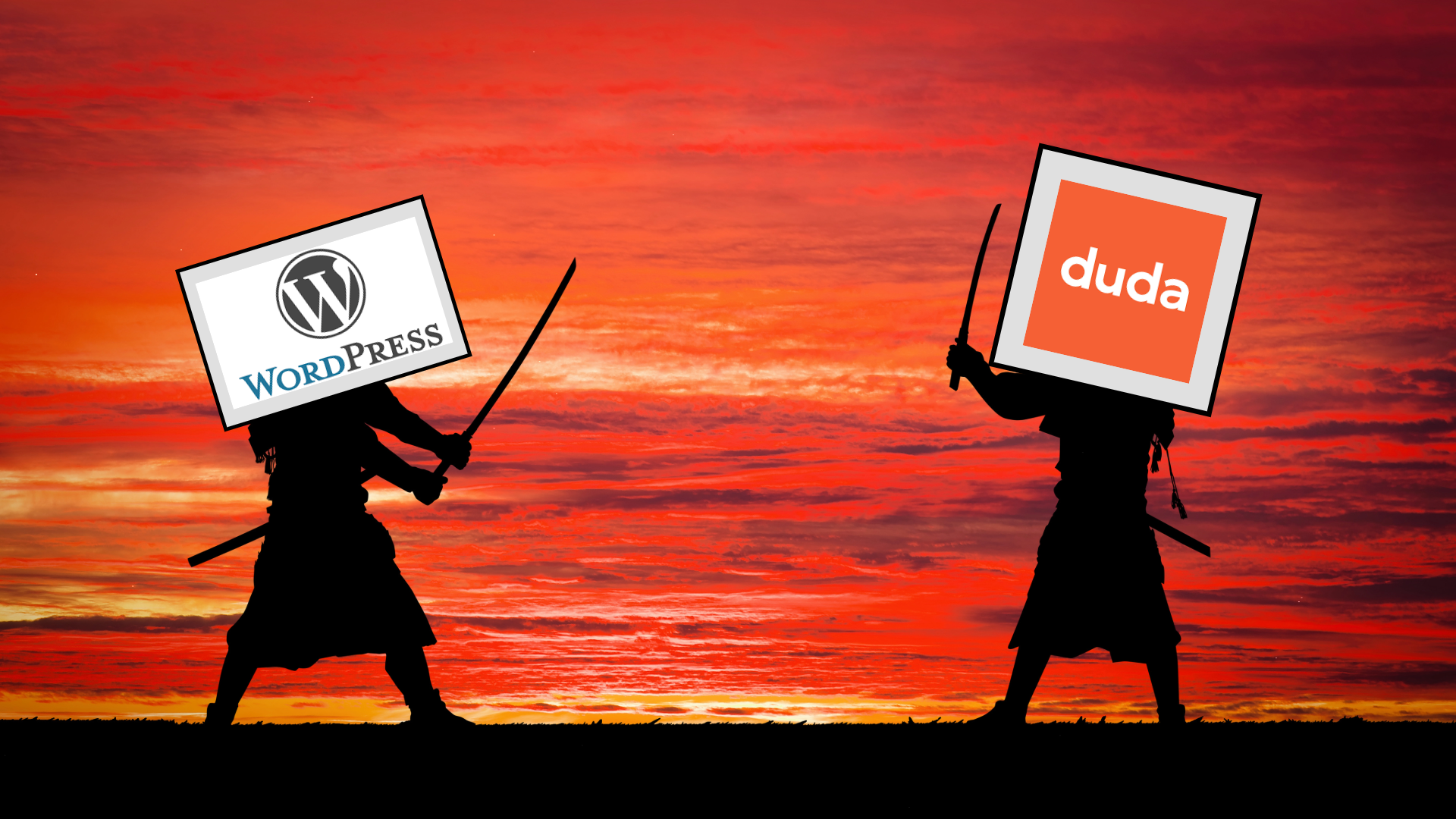
Overview of Duda and WordPress
Duda: Built for Small Businesses
Duda is a website-building platform focused on ease of use and customization. Known for its drag-and-drop design interface, Duda is ideal for small business owners who want an intuitive design experience without requiring extensive technical knowledge. Duda’s platform also emphasizes responsive web design, ensuring your site looks great on any device.
WordPress: Powerful and Customizable
WordPress, originally designed as a blogging platform, has grown to become one of the most widely-used content management systems (CMS) worldwide. It’s highly flexible, offering thousands of plugins and themes that make it possible to create nearly any type of website. However, WordPress requires more hands-on work for customization and maintenance, making it a choice that often benefits from technical expertise.
Comparing Key Features
Custom Web Design Flexibility
Both Duda and WordPress provide options for custom web design:
- Duda: Designed for users who need quick, responsive, and flexible site-building tools. Duda offers a simple drag-and-drop editor and a selection of mobile-responsive templates. The platform has built-in customization options that make it easy to adjust layouts, colors, fonts, and more.
- WordPress: WordPress offers unmatched customization through themes and plugins. While it may require more technical skills, WordPress gives advanced users and developers the ability to create unique, complex site designs tailored to specific business needs.
SEO Services for Small Businesses
SEO (Search Engine Optimization) is crucial for small businesses that want to improve their visibility on search engines. Here’s how Duda and WordPress compare in SEO capabilities:
- Duda: Duda has several built-in SEO features, such as easy URL management, meta tag editing, and mobile responsiveness. It also supports schema markup, which is beneficial for small businesses targeting local SEO.
- WordPress: WordPress can be an SEO powerhouse with the right setup. By using popular plugins like Yoast SEO or Rank Math, WordPress offers granular control over SEO elements such as meta descriptions, keyword optimization, and structured data. However, you’ll need to install and configure plugins to achieve this functionality.
Performance and Maintenance
Site Speed and Hosting
Performance and speed are essential to keep users engaged and support digital marketing services:
- Duda: Duda’s platform hosts all websites on Amazon Web Services (AWS), providing a reliable and secure hosting solution with fast page loading speeds.
- WordPress: WordPress offers a variety of hosting options, giving you more control but also requiring you to select a reliable provider. Managed hosting solutions, like WP Engine, can enhance WordPress site speed, but this adds to the cost and requires additional configuration.
Maintenance and Updates
- Duda: Duda’s all-in-one platform includes automatic updates, so you won’t have to worry about maintaining your site’s backend. This is a significant advantage for small businesses with limited technical resources.
- WordPress: WordPress requires regular updates to the CMS, themes, and plugins to maintain functionality and security. Small businesses should plan for ongoing maintenance or partner with an experienced web designer to manage these updates.
Design for Responsiveness and Mobile-First Users
With the rise in mobile usage, responsive web design is a must for small businesses. Both platforms support responsive design, but in slightly different ways:
- Duda: Duda’s responsive templates are built with mobile users in mind. The platform allows for easy customization to ensure a seamless experience across desktop, tablet, and mobile devices.
- WordPress: WordPress also offers responsive themes, but the degree of responsiveness depends on the theme and any additional coding. WordPress is versatile, but achieving true responsiveness often requires additional work or specific plugins.
Pricing and Overall Cost
When it comes to cost, here are some considerations for small business owners:
- Duda: Duda offers various pricing tiers, from basic packages to advanced options. For small businesses, the pricing can be appealing as it includes hosting and maintenance.
- WordPress: WordPress is technically free to use, but costs arise from web hosting, premium themes, plugins, and maintenance. WordPress can be cost-effective for businesses that need customizability but are prepared for the ongoing maintenance costs.
Which Platform is Right for Your Business?
Ultimately, choosing between Duda and WordPress depends on your business’s specific needs. If you value simplicity, quick setup, and low maintenance, Duda may be the better option, especially for local businesses in Chandler, Scottsdale, Peoria, and Phoenix, Arizona. On the other hand, if your business requires a highly customizable website and you have the resources for ongoing maintenance, WordPress could be a powerful choice.
At Easy-Click Web Design, we specialize in custom web design and SEO services for small businesses. We’re here to help you make an informed decision that aligns with your goals and budget. Contact us today to learn more about our digital marketing services and how we can help your business succeed online.
If you’re ready to start building your website on the best platform for your needs without costly setup and maintenance,
Get in touch with our team at Easy-Click Web Design, we offer a WordPress=Free Web Design for small businesses. We proudly serve small businesses across Chandler, Scottsdale, Peoria, and Phoenix, Arizona.
WordPress Vs Duda FAQs
Which platform is better for SEO: Duda or WordPress?
WordPress offers more extensive SEO control through plugins like Yoast SEO, which allows for detailed customization. Duda includes essential SEO features built-in, making it easier for control. There are many 3rd party softwares that can be intergrated into both.
Do both platforms support responsive web design?
Yes, both Duda and WordPress support responsive design. Duda’s templates are mobile-optimized out of the box, while WordPress responsiveness depends on the theme chosen, with some requiring additional customization.
Is Duda more affordable than WordPress?
Duda includes hosting and maintenance in its pricing plans, providing a simplified cost structure. WordPress can be cost-effective initially but may incur additional expenses from hosting, premium plugins, and required maintenance.
What’s the best platform if I don’t have technical skills?
Duda is likely a better option for small business owners without technical expertise. It offers an intuitive drag-and-drop interface and requires minimal maintenance, whereas WordPress may require more hands-on technical work.
Can I migrate my website if I switch platforms later?
Yes, you can migrate content from Duda to WordPress or vice versa, but the process can be complex and may require the assistance of a web professional to ensure everything transitions smoothly without data loss.
Share














