How to Create a Nonprofit Fundraising Website That Converts
Key Takeaways for Building a High-Converting Nonprofit Site
- Prioritize mobile donation forms first. Most traffic now arrives via smartphones and tablets.
- Put trust signals above the fold so visitors feel secure giving within seconds of landing.
- Select platforms based on fundraising integration capabilities, not just visual templates.
- Define your campaign types and recurring gift needs before you hire a designer.
- Connect your site to your CRM so you're not stuck doing manual data entry.
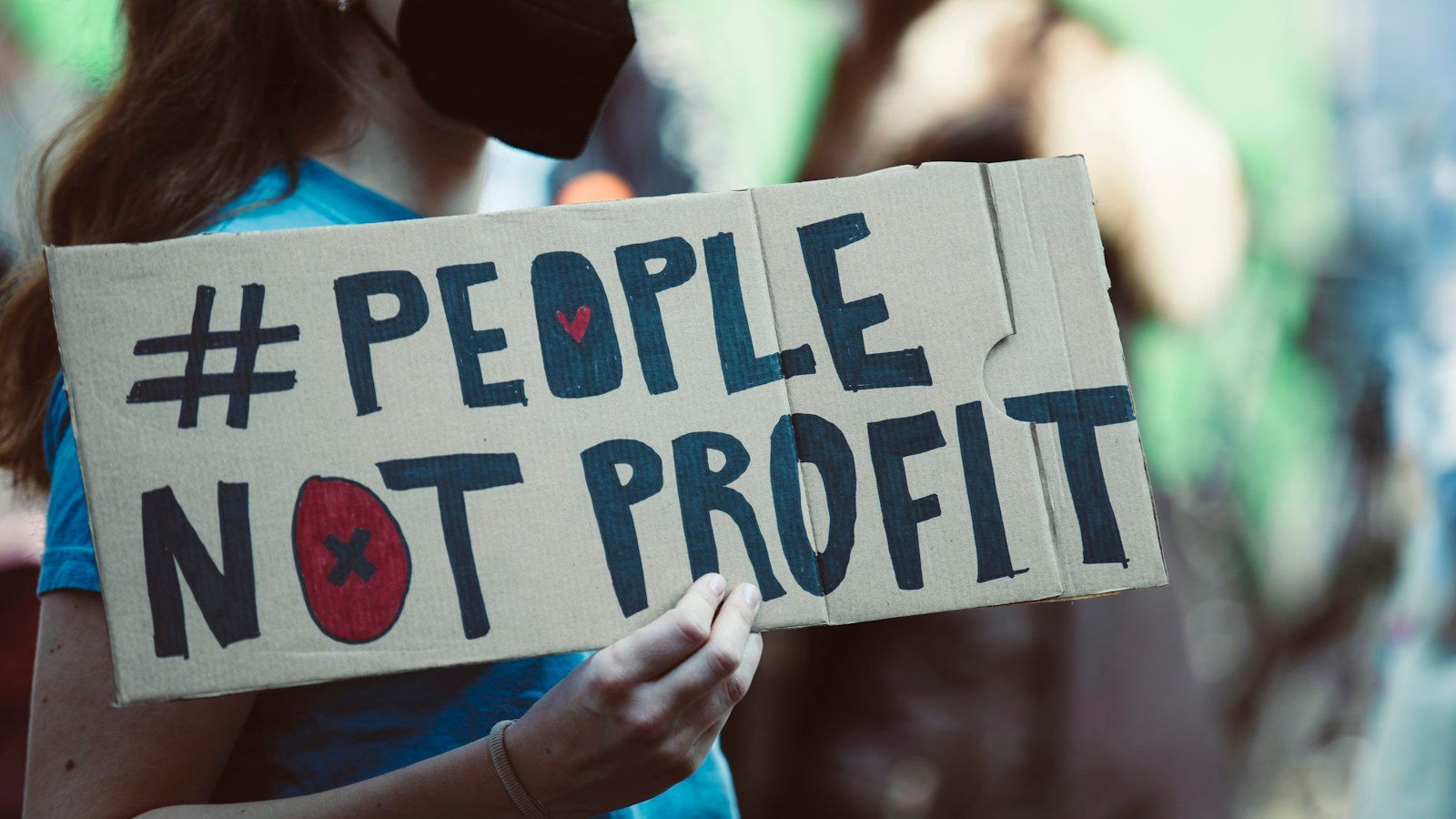
Your mission drives every decision you make, but your website determines whether supporters can actually participate in that mission. A beautiful site that fails to convert visitors into donors is an expensive brochure, not a fundraising tool. Learning how to create a nonprofit fundraising website means shifting your focus from aesthetics to infrastructure before you write a single line of code or pick a template.
Many organizations rush into design without defining their revenue targets or donor acquisition costs. That leads to costly rebuilds once the site can't handle recurring gifts or integrate with an existing CRM. This guide walks you through the strategic decisions that need to come before the technical ones, so your digital presence serves your financial sustainability and not just your brand awareness.
Defining Fundraising Goals Before Choosing a Platform
Technology should follow strategy. Instead, many nonprofits pick a website builder based on price or design themes before they've figured out what success actually looks like financially. You need to identify whether your primary need is one-time event registration, monthly recurring donations, major gift cultivation, or peer-to-peer fundraising, because each of these requires different backend architecture. A website for small nonprofit organizations often fails when it tries to do everything generically instead of excelling at the specific revenue streams that keep your operations running.
Aligning Technical Features With Revenue Targets
Your platform choice sets your fundraising ceiling. Evaluate vendors against your actual income goals, not hypothetical future growth. If recurring donations provide 60% of your annual budget, subscription management, dunning emails for failed cards, and upgrade prompts become non-negotiable; generic builders rarely offer these natively. If your model relies on high-ticket corporate sponsorships, you need strong impact reporting and custom proposal pages more than a streamlined checkout flow.
This kind of alignment is what prevents the common scenario where an organization outgrows its site 18 months after launch because the tool it picked can't scale with a successful campaign.
Calculating Donor Acquisition Costs Digitally
Knowing how much you spend to acquire a new online donor helps you figure out which website investments actually pay off. Track the relationship between your advertising spend, organic search traffic, and completed donations to establish a baseline cost per acquisition. That number should inform your web design budget. Without it, you can't tell the difference between necessary infrastructure and decorative features that eat resources without generating any measurable support.
You deserve to know whether your current digital spending is actually moving the needle toward sustainability.
Essential Elements of Effective Donation Page Design
The moment a supporter decides to give is fragile, and friction during checkout is the main reason potential donations fail to materialize. Your donation page needs to eliminate every unnecessary field, redirect, and loading delay standing between intent and completion. Visitors who hit confusion or doubt at this moment tend to abandon the process rather than troubleshoot it on their own.
Reducing Friction in the Giving Process
Pre-populate fields where you can, and limit required information to whatever payment processors legally require for compliance. Offer multiple payment options, including credit cards, PayPal, Apple Pay, and Google Pay, because forcing supporters to dig out a physical card creates abandonment risk. Show progress indicators during multi-step forms so people know exactly how far they are from finishing their gift.
Test your form repeatedly on slow connections and older devices. Many donors give during commutes or in areas with poor reception.
Building Trust Through Strategic Visual Cues
Supporters need immediate reassurance that their contribution reaches a legitimate organization handling funds responsibly. Place security badges, charity navigator ratings, and short impact statements directly next to the donation button, where eyes naturally land during decision-making. Use real photos of beneficiaries or program outcomes rather than stock imagery, because authenticity converts better than polished perfection here.
Being transparent about administrative costs and fund allocation builds confidence faster than any design flourish could.
Mobile Usability as a Nonprofit Website Essential
More than half of all nonprofit web traffic now comes from mobile devices, which makes responsive design a baseline expectation, not a premium feature. A site that pinches, zooms, or misaligns buttons on a phone screen signals neglect to visitors, who may read that technical sloppiness as organizational incompetence. Mobile usability also affects your search rankings directly, so poor performance cuts both your visibility and your credibility at once.
Testing Across Real Devices and Networks
Emulators and browser resizing tools can't replicate what it's like to tap small buttons with thumbs while running on cellular data. Borrow phones from staff and volunteers across different carriers and operating systems, and test donation flows under realistic conditions. Pay close attention to form field sizing, button spacing, and load times. These details determine whether a spontaneous impulse to give survives the trip from inspiration to action.
What works perfectly on a desktop monitor often becomes unusable on a six-inch screen held vertically.
Optimizing Load Speed for Retention
Every second of delay drives up bounce rates, and nonprofit sites often suffer from unoptimized images and excess scripts that bloat the page. Compress your media files, add lazy loading for below-the-fold content, and cut third-party widgets that don't serve a direct fundraising purpose. Fast loading shows respect for your supporters' time and data plans, which matters especially when you're reaching younger donors or communities with limited broadband.
Speed isn't just technical optimization. It's a way of showing consideration for the people you hope to serve.
Integrating Your Website With Donor Management Systems
Manual data transfer between your website and donor database introduces errors, delays thank-you notes, and eats up staff time better spent on relationship building. Seamless integration means every gift, volunteer signup, and newsletter subscription flows automatically into your CRM with accurate attribution and timestamps. When you're figuring out how to create a nonprofit fundraising website, treat integration capability as just as important as front-end design, because a disconnected backend undermines frontend success.
Automating Receipts and Stewardship Workflows
Immediate automated receipts confirm the transaction and start the stewardship cycle before any human has to step in. Set up your system to trigger personalized follow-up sequences based on gift amount, campaign source, and donor history, so engagement deepens on its own. Delayed acknowledgment correlates strongly with lower retention, so automation protects relationships even during peak fundraising periods when staff attention is stretched thin.
Your technology should amplify gratitude, not compete with it for scarce resources.
Maintaining Data Integrity Across Platforms
Duplicate records, misspelled names, and lost contact information erode trust and complicate compliance reporting over time. Map your fields clearly between your website forms and CRM database before launch, so you avoid structural mismatches that require expensive cleanup later. Regular audits catch synchronization failures early and keep your digital ecosystem accurate enough to support real decisions about donor segmentation and campaign targeting.
Selecting the Right Nonprofit Web Design Company
Choosing a partner to build a charity website means weighing mission alignment alongside technical skill, because understanding nonprofit constraints matters as much as knowing how to code. Ask prospective vendors specifically about their experience with donation processing, CRM integrations, and accessibility compliance, rather than taking a general portfolio at face value. The right nonprofit web design company asks detailed questions about your fundraising strategy before proposing solutions. That's a sign they're invested in outcomes, not just deliverables.
Questions That Reveal True Expertise
Ask for case studies showing measurable improvements in conversion rates or donor retention, not just screenshots of attractive homepages. Ask about post-launch support, training, and documentation quality, because ongoing maintenance determines long-term success more than the initial build does. Find out how they handle security updates, plugin conflicts, and emergency downtime, since nonprofits can't afford extended outages during a critical campaign.
Vendors who dodge specifics or promise guaranteed results probably lack the specialized experience your organization needs.
Evaluating Long-Term Partnership Potential
Websites evolve continuously, and your relationship with whoever builds yours should flex with your changing needs without renegotiating a contract every time. Clarify ownership of code, hosting arrangements, and content management access upfront, so you avoid vendor lock-in that limits your future flexibility. Discuss scalability honestly, so both sides understand whether the proposed solution supports growth or is a temporary fix headed for replacement.
Sustainable partnerships come from honest conversations about limitations, not just capabilities.
Common Mistakes That Undermine Online Fundraising
Even well-intentioned organizations sabotage their own efforts through predictable oversights that put appearance over function. Avoiding these pitfalls saves money, preserves donor trust, and gets you to your financial goals faster than chasing trends ever will.
Neglecting Accessibility and Compliance Standards
Excluding people with disabilities from donating violates basic principles of inclusion and can expose your organization to legal liability under accessibility law. Screen reader compatibility, keyboard navigation, color contrast ratios, and captioned video content all expand your reachable audience while backing up your commitment to inclusion with action, not just words. Accessibility improvements frequently make the site easier to use for everyone, which is a bonus that justifies the extra development effort.
Compliance isn't optional overhead. It's fundamental alignment with the values your mission presumably stands for.
Overcomplicating Navigation and Messaging
Visitors who want to donate should never wonder where to click or question whether they've landed in the right place. Simplify your menu structure, use clear action-oriented language, and keep a consistent visual hierarchy throughout the site, so attention flows naturally toward the points where people take action. Every extra click between landing and giving is another chance for distraction or second thoughts to creep in.
Clarity beats cleverness when you're asking strangers to part with hard-earned money.
Frequently Asked Questions About Nonprofit Websites
How much should a nonprofit budget for a fundraising website?
Costs vary widely based on complexity, but the bigger question is what platform and integrations you need, not just the sticker price. A simple donation page costs far less than a full site with CRM integration, recurring giving management, and event registration built in. Budget based on the revenue streams you need to support, not a flat industry average.
Do we really need a custom-built site, or can a template work?
Templates can work well for many nonprofits, especially smaller organizations just getting started. What matters more than custom versus template is whether the platform handles your specific fundraising needs: recurring donations, CRM integration, and mobile checkout. A well-configured template often outperforms a custom build that skips these essentials.
How long does it typically take to build a nonprofit fundraising website?
Timelines depend on scope, but most nonprofit sites with donation functionality take a few weeks to a few months from planning to launch. Sites requiring deep CRM integration or custom reporting features typically take longer. Building in time for real device testing before launch is worth the extra weeks.
What's the biggest mistake nonprofits make with their websites?
Choosing a platform based on design templates before defining fundraising goals. This leads to rebuilds once the organization discovers the site can't handle recurring gifts, integrate with their CRM, or scale with a successful campaign. Strategy should come before aesthetics every time.
How often should we update or redesign our website?
Rather than scheduling a full redesign on a fixed timeline, monitor performance metrics like conversion rates, load speed, and mobile usability continuously. Smaller updates, like refreshing imagery or simplifying navigation, can happen regularly without a full rebuild. A complete redesign usually makes sense every three to five years, or sooner if your fundraising needs change significantly.
If you're ready to turn your website into a real fundraising tool instead of a digital brochure, Easy-Click Web Design can help you build a site that aligns your technology with your mission from the start.
Share