
Recurring Donation Setup for Nonprofits: A Website Guide
Most nonprofit teams are stretched thin. Every appeal, event, and thank-you note takes hours you don't always have. That is why a gift that keeps arriving after one setup is worth the effort.
This walkthrough shows how to add monthly giving to your website and how to promote it without pressure. It builds on a working donate button, so if you don't have one yet, start with
how to add a donation button to your site and come back. Easy-Click Web Design helps nonprofits make online giving easy for supporters, from donation pages to clear calls to action, and serves organizations in Arizona and the Phoenix area as well as nonprofits beyond the local market.
Key Takeaways:
- Monthly Giving Creates More Predictable Revenue: Recurring donations provide nonprofits with a steadier source of income, making it easier to plan programs and manage budgets.
- Keep One-Time and Monthly Donations Available: Monthly giving should complement, not replace, one-time donations. Give supporters equal opportunities to choose either option.
- 3Create a Monthly Giving Program: Develop a memorable program name, suggested donation levels, and a clear explanation of how recurring gifts support your mission.
- Choose the Right Donation Platform: Select a platform that supports automatic monthly payments, donor self-service account management, easy cancellations, reporting, and manageable fees.
- Make Donation Forms Mobile-Friendly: Ensure donation forms are easy to navigate on smartphones, with simple fields, readable text, clear payment options, and secure payment messaging.
- Be Transparent About Recurring Donations: Clearly explain that monthly gifts repeat automatically and tell donors how they can change or cancel their contributions.
- Build a Sustaining Donor Page: Create a dedicated page explaining the monthly giving program, its impact, donor benefits, and how supporters can participate.
- Make Monthly Giving Easy to Find: Promote recurring donations on your homepage, donation page, fundraising campaigns, event pages, and post-donation thank-you pages.
- Build Relationships With Monthly Donors: Send welcome messages, provide regular impact updates, and share real stories that demonstrate how ongoing contributions support your mission.
- Build Trust Through Donor Flexibility: Make it easy for donors to update payment information, change donation amounts, or cancel contributions without unnecessary obstacles.
Key Message: Monthly giving is more than adding a recurring payment option to your website. It's about building long-term relationships with supporters while creating a more predictable funding source for your nonprofit.

Why Monthly Gifts Matter for Your Nonprofit Website
A recurring gift is a donation that repeats on a set schedule until the donor changes or stops it.
For a small team, that repetition matters. A one-time gift usually follows an effort: an email, an event, a campaign. A monthly gift keeps working after the effort ends, so you can plan programs with a clearer sense of what support to expect.
Monthly giving complements one-time giving rather than replacing it. Some supporters want to give once, in response to a story or a deadline. Others would happily give a little each month if someone simply offered the option. Your website is where both groups meet, so it should welcome both.
Be realistic about what this does. Monthly giving doesn't guarantee higher totals, and it won't rescue a donate page that visitors can't find or trust. It adds steadier, more predictable support alongside the gifts you already receive.
Start Your Recurring Donation Setup With a Monthly Giving Plan
Before you touch a form, settle a few basics on paper. A short planning session with your director and development lead is usually enough, and it keeps the website work from stalling on questions nobody has answered.
| Decision | What to settle | Example of what to write |
|---|---|---|
| Program name | A short, warm name supporters can say out loud | "Monthly Neighbors Circle" |
| Giving levels | A small set of suggested amounts plus a custom field | Suggested options, then "Enter your own" |
| What gifts fund | One plain sentence about the ongoing work | "Monthly gifts keep our weekly food pantry stocked." |
| Platform | A payment tool that handles monthly billing | Confirm before you design anything |
Choose levels your supporters will recognize as realistic, and connect each one to the work it supports if you can do so truthfully. If you can't tie a level to a specific outcome, leave the description general rather than inventing one.
The program name deserves more thought than it gets. "Recurring donation" describes a payment method, while a name like a circle or partnership describes belonging. Supporters respond to the second.
Choose a Platform That Handles Recurring Payments
Your payment tool does the heavy lifting here, so pick it first. Confirm that it supports monthly billing, and check that donors can update their payment method or cancel on their own without emailing your staff. Self-service saves your team time and shows donors you respect their choice.
Fees, reporting, and how receipts are sent differ from tool to tool, so it pays to compare donation platforms before you build. Pick the one that fits your budget and the way your team works.
A quick note on our own setup: Easy-Click builds client sites on Duda for design and hosting. Duda gives you the website itself, while the recurring payments run through the donation tool you connect to it.
Build a Recurring Gift Donation Form That Works Well on Phones
Many supporters will open your donate page on a phone, often from an email or social post. A form that is awkward on a small screen loses them at the moment they are ready to give. If your site needs wider work, here is how to make your nonprofit website mobile friendly.
The diagram below shows the path a donor should travel, from the first tap to the monthly confirmation. Every step is a place where a donor can get confused, so each deserves a look.
Make the Monthly Option Clear and Honest
Show one-time and monthly as two equal choices at the top of the form. Don't bury one-time giving, and don't pre-select monthly without saying so. You can mark monthly as "recommended" if you like, as long as a donor who prefers a single gift can choose it in one tap.
Then be plain about what monthly means. Near the button, write something like: "This gift repeats every month until you stop it. You can change or cancel anytime." Add a line on how to do that, such as a link in the confirmation email.
Here is what the form needs:
- A one-time or monthly toggle, equal in size and weight
- A small set of suggested amounts plus a custom field
- A sentence stating that monthly gifts repeat and how to stop them
- A short secure-payment note placed next to the button
Honesty here protects you. A donor who understands the commitment at the start is far less likely to be surprised later.
Test the Form on a Phone Before You Promote It
Give the whole flow a full run yourself, on a phone and on a desktop. Choose an amount, enter payment details, reach the thank-you page, and open the confirmation email. Ask a colleague who didn't build the page to do the same, because they will notice what you've stopped seeing.
Look closely at three things:
- Labels: every field should say what it wants in plain words.
- Error messages: a mistyped card number should produce a clear, polite prompt, not a blank red box.
- Text size: donors shouldn't need to pinch and zoom to read the monthly terms.
Do this now, with year-end giving weeks away, rather than in the middle of your busiest appeal.
Consider a typical path. A supporter gives once from a campaign page, then sees a monthly option on the thank-you page with a note on what ongoing support makes possible. Later, a confirmation email explains how to change or stop the gift. (This is an illustration of the flow, not a real organization.) If any step in your version feels unclear or abrupt, fix it before you promote the form.
Create a Sustaining Donor Page That Explains the Monthly Commitment
The form handles the payment, but a sustaining donor page handles the decision. Some visitors want to know more before they commit to something that repeats. This page gives them the answers, and you can link to it from the donate form and from any monthly call to action.
What a Sustaining Donor Page Should Cover
Sustaining donors are supporters who give on a regular schedule, usually monthly. Start the page by saying so in a sentence, then explain what their gifts make possible in the day-to-day work of your organization.
T
ell visitors what they receive in return. Good options include:
- Regular impact updates
- Real stories from the people or programs you serve
- A welcome note from your executive director or board chair
Only promise what your team can deliver. If you can send an update every quarter, say quarterly. If you quote a donor, get their permission first. Use real stories and real words only, and never invent testimonials or figures to fill space.
Finish with one clear join button, using the same wording as the rest of your site, such as "Give Monthly."
Make Changing or Canceling a Monthly Gift Easy to Find
It may feel strange to advertise how to stop giving. It builds trust, though, and donors who feel free to leave tend to feel more comfortable joining.
Give the page a short section that explains how donors can update the amount, the billing date, or the payment method, and how they can stop giving altogether. Name a real person or a monitored email address they can contact if the self-service option fails.
Receipts and tax questions deserve care. Keep your wording general, tell donors to keep their confirmation emails, and ask your organization's accountant what your receipts should say. This guide doesn't offer legal or tax advice, and your page shouldn't either.
Promote Monthly Giving With a Recurring Donation Widget
A strong form and page won't help if nobody sees the invitation. A recurring donation widget, which is a small box or banner that lets visitors start a monthly gift, puts the option where people are already paying attention.
Place Clear Monthly Calls to Action Where Visitors Decide
Think about where visitors make up their minds, and put the monthly option there. The best spots are:
- Your homepage, near the top
- The donate page itself
- Campaign and event pages
- The thank-you page after a one-time gift
That last spot is easy to overlook. A donor who has just given is the person most open to the idea, and a gentle invitation costs them nothing to ignore.
Use the same call to action everywhere. If it says "Give Monthly" on the homepage, don't change it to "Become a Partner" on the event page, because consistent wording helps visitors recognize what to click. Running an event? See how to promote a fundraising event online and add the monthly option beside your ticket or donation buttons.
How to Encourage Monthly Donors With Clear Messaging
Lead with your mission and the ongoing work, not the payment mechanics. "Join our monthly circle and help keep the pantry open every week" is more inviting than "Set up a recurring charge." Supporters give to a purpose, and the form is only the route.
Then keep the relationship going after sign-up:
- Send a welcome message that thanks the donor by name and says what happens next.
- Share periodic impact updates on the schedule you promised.
- Review sign-ups and cancellations regularly, so you can spot where the process might confuse people.
Here is one illustration. A Phoenix-area community program could thank monthly donors with a short update on the families or neighbors it served that month. That shows what an ongoing gift supports without a single statistic.
Mention the monthly option in your emails, social posts, and event pages too, using the same wording as your website. Nobody can promise that these steps will raise your donations, and results depend on your community and your consistency. They do give supporters a clear, respectful way to say yes. For broader tactics to pair with this, see more ways to increase online donations.
If you would rather have a site built around giving from the start, our nonprofit donation and fundraising website services cover donation pages, calls to action, and mobile-friendly design.
Your next step: open your current donate page on your phone and check it against the steps above. Is monthly giving clear, honest, and easy to find? For more practical tools, The Nonprofit Technology Guide is available as an instant-download ebook. And if your team would like hands-on help setting up your giving pages, you're welcome to book a call and talk it through.
Frequently Asked Questions About Recurring Gifts
How do I encourage monthly donors?
Lead with your mission and the ongoing work, then invite supporters to join a named monthly circle. Offer the option on your donate page, thank-you page, emails, and event pages using the same call to action. After they join, send a welcome message and regular impact updates. None of this guarantees results, but it makes the invitation clear and respectful.
Should monthly giving replace one-time donations on my website?
No. Offer both as equal choices on the same form. Some supporters prefer to give once, and hiding that option can cost you their trust. Monthly gifts add steadier support alongside the one-time gifts you already receive.
How do donors change or cancel a monthly gift?
The easiest way is a self-service link in the confirmation email, backed by a payment tool that lets donors update the amount, date, or card. Explain the steps on your sustaining donor page and name a person or email address to contact if something goes wrong.
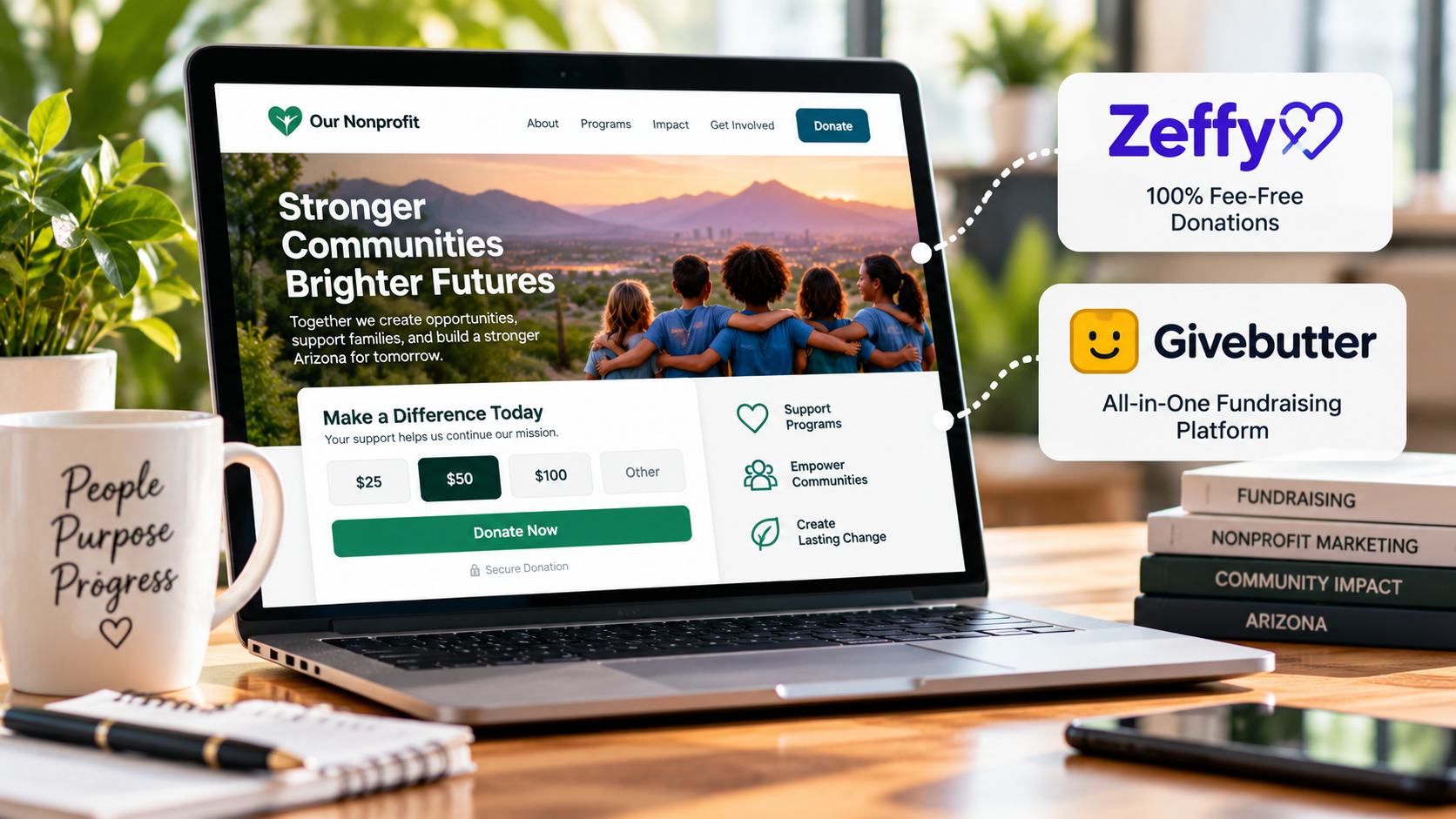
Which is better, Givebutter or Zeffy?
Neither is right for every organization. Compare them on the points that matter for monthly giving: supports recurring billing, lets donors manage their own gifts, how fees and receipts work, and how well the form runs on a phone. Check each one's current terms on its own site, then pick the one that matches your budget and workflow.
Are donations to nonprofits public record?
The answer depends on the type of organization, the kind of record, and the rules that apply to you, so ask your accountant or attorney. As a courtesy, don't publish a donor's name or story on your website without their permission.
Share